
RAM and the processor (CPU) do different jobs. RAM temporarily holds the data your open applications need, while the processor executes instructions and performs calculations. Both affect computer performance, but upgrading one will not necessarily compensate for a limitation in the other.
If you’re wondering whether more RAM or a better processor will make your computer faster, start by identifying what slows it down. A computer that runs out of memory needs a different solution from one that struggles with demanding calculations.
RAM vs. Processor: What’s the Difference?
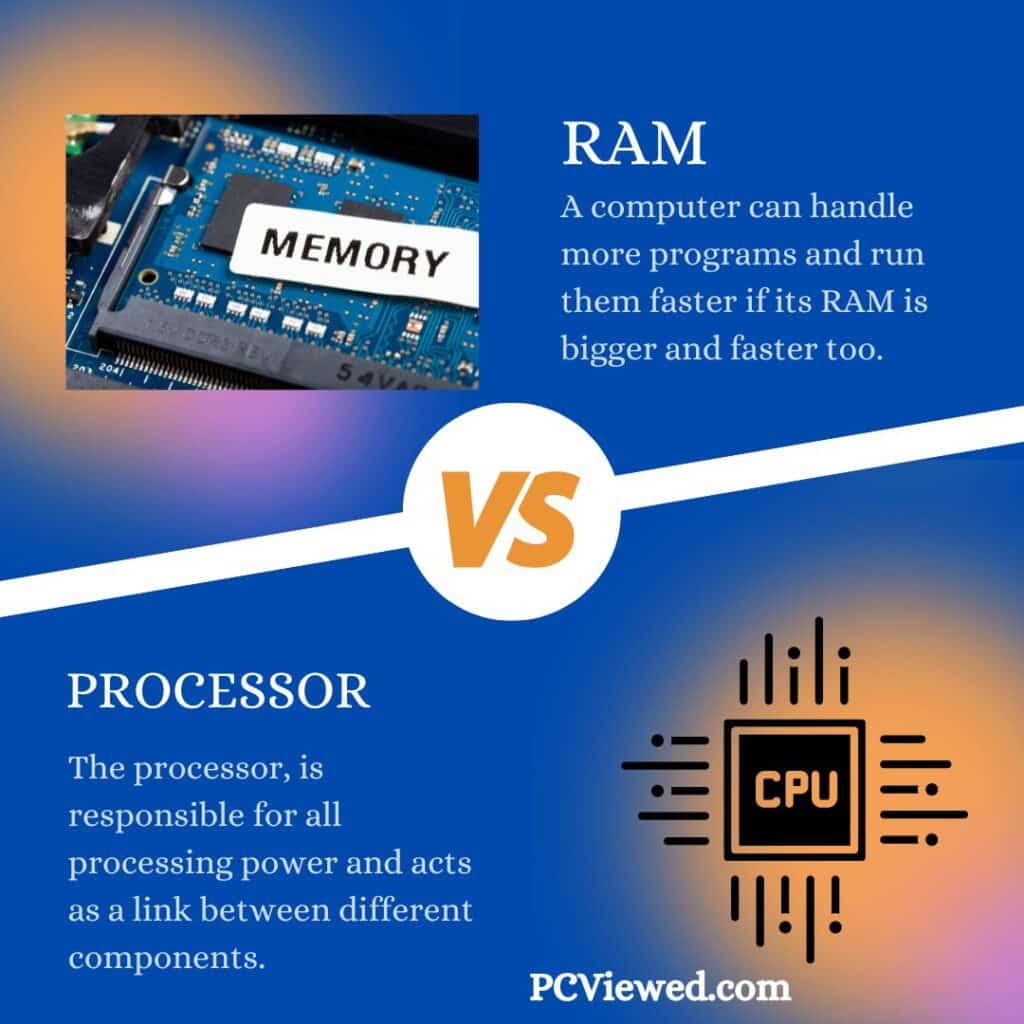
| Feature | RAM (memory) | Processor (CPU) |
|---|---|---|
| Main purpose | Temporarily holds data and instructions in active use | Executes instructions and performs calculations |
| Common specifications | Capacity (GB), DDR generation, transfer rate (MT/s), channels | Architecture, cores, threads, clock speed, cache |
| When it becomes a bottleneck | Active applications use more memory than is available | Work requires more processing performance than the CPU can deliver |
| What an upgrade can improve | Responsiveness and multitasking when memory is insufficient | CPU-intensive tasks such as compiling, encoding and calculations |
| Upgrade flexibility | Some desktops and laptops have replaceable RAM; others are soldered | Desktop CPUs may be replaceable; most laptop CPUs are not |
Neither component is universally more important. The right choice depends on the applications you use and the part currently limiting your work.
What Is a Processor (CPU)?
The central processing unit (CPU) executes software instructions. It handles calculations, makes decisions and coordinates work with memory and other hardware. When you open a spreadsheet, join a video call or export a video, the CPU processes instructions required by those tasks.
Its performance depends on more than its advertised GHz rating. Architecture, per-core performance, core count, cache and power limits all matter. More cores can help with tasks that run work in parallel, while strong per-core performance helps many everyday actions.
For a detailed explanation of cores, processor tiers and which models suit different workloads, see our guide to choosing the right laptop processor.
What Is RAM?
Random Access Memory (RAM) is the computer’s short-term working memory. The operating system and open applications use it to hold data they need quickly. Unlike SSD or hard-drive storage, ordinary RAM does not retain its data when the computer is turned off.
Think of RAM as the available desk space and the CPU as the worker doing the job. A bigger desk helps when work materials no longer fit. But if there’s already enough room, increasing desk size won’t automatically make the worker faster.
If you’re choosing or upgrading memory, our RAM buying guide explains capacity recommendations, DDR4 versus DDR5, speed and compatibility.
Is It Better to Have More RAM or a Faster Processor?
Choose more RAM when the computer routinely runs short of memory. You might notice slowdowns after opening many applications, frequent switching between programs, or heavy disk activity as the system moves data out of RAM. The improvement can be substantial when an upgrade removes a memory bottleneck.
Choose a faster processor when the CPU is the limiting factor. Rendering, software compilation, calculations and other processing-heavy tasks can remain slow even when plenty of RAM is available.
Increasing RAM from 16GB to 32GB won’t double performance if applications already fit comfortably in 16GB. Likewise, a powerful processor cannot prevent slowdowns when memory demand exceeds available RAM.
Which Matters More for Different Tasks?
| Task | RAM considerations | CPU considerations |
|---|---|---|
| Browsing, documents and video calls | Enough capacity for active tabs, meetings and background apps | Responsive everyday performance |
| Large spreadsheets and data analysis | Enough memory for datasets and several open applications | Calculation speed can depend heavily on the CPU |
| Gaming | Enough RAM for the game’s requirements and background apps | Game performance also depends on the CPU and especially the GPU |
| Video editing and 3D work | Memory for large projects, previews and simultaneous creative apps | Processing for encoding, effects, simulations and rendering |
| Programming and development | Extra capacity for development tools, containers and virtual machines | More processing power for builds, tests and compilation |
| Multiple virtual machines | Enough memory allocated to each active virtual machine and the host | Enough CPU resources for concurrent work |
For routine work, we recommend at least 16GB RAM in a new business computer. Heavier workloads may justify 32GB or more, but the right capacity depends on the applications and files involved. The CPU should also meet their requirements.
Is RAM or the CPU More Important for Multitasking?
Both matter, but in different ways. RAM gives simultaneous applications room to hold their active data. The CPU schedules and executes their instructions. Opening many browser tabs, spreadsheets and a video meeting can create memory pressure; running several computation-heavy programs at once can put more pressure on the processor.
For example, if a computer with 8GB RAM becomes sluggish when you open Chrome, Excel and a meeting application together, a move to 16GB may help—provided the memory can be upgraded. If it has adequate free memory but spends a long time exporting a video, CPU or GPU performance may matter more.
How to Tell Whether You Need More RAM or a Better CPU
On Windows, open Task Manager with Ctrl + Shift + Esc and select Processes or Performance. Reproduce the slow task and look at the CPU and memory readings while the problem occurs. On macOS, use Activity Monitor and check the CPU and Memory tabs, especially Memory Pressure.
- Memory repeatedly close to capacity: Check for a memory bottleneck, especially if applications pause or the system relies heavily on storage. Background use and caching alone do not prove that an upgrade is necessary.
- CPU persistently busy during the slow task: Processing performance may be the limit, although some applications rely on only one or a few CPU cores.
- Neither appears limited: Investigate SSD performance, thermal throttling, graphics hardware, application settings or network speed before buying upgrades.
- Before purchasing: Verify that the computer supports the replacement CPU or RAM and that your applications benefit from the proposed upgrade.
On many laptops, the processor cannot be replaced and the RAM may be soldered. When that is the case, comparing a new system’s complete configuration is more useful than planning an upgrade that cannot be performed.
Does More RAM Make a Computer Faster?
It can, when the system doesn’t have enough RAM for its workload. Extra capacity reduces the need to move active data between RAM and slower storage. If there’s already sufficient capacity, simply adding more RAM usually provides little benefit. Memory bandwidth and configuration may matter in some tasks, but their effect is separate from capacity.
For capacity comparisons such as 8GB vs. 16GB RAM, or to decide between 16GB and 32GB, see the dedicated comparison and RAM selection guide.
Frequently Asked Questions
Is RAM the same as the processor?
No. The CPU processes instructions; RAM holds data and instructions that active software needs. They work together but are different components.
Should I upgrade RAM or the processor first?
Upgrade the component causing the slowdown. Check actual CPU and memory use during your normal work before spending money. If a laptop’s CPU or RAM cannot be upgraded, evaluate whether replacing the machine makes more sense.
Which is more important for gaming, RAM or CPU?
Games need enough RAM to meet their requirements and a CPU capable of handling game logic. The graphics processor (GPU) is also critical. Once RAM capacity is adequate, adding more generally won’t improve frame rates as much as fixing the actual CPU or GPU bottleneck.
Can a powerful processor compensate for insufficient RAM?
No. A faster CPU does not create additional working memory. When applications exceed physical memory, the operating system may rely more heavily on storage, slowing the workflow.
Related reading: Choosing the right RAM for your PC · Choosing the best laptop processor.
